In order to change the voicemail password/PIN, Visual Voicemail has to be activated first.
For iOS devices:
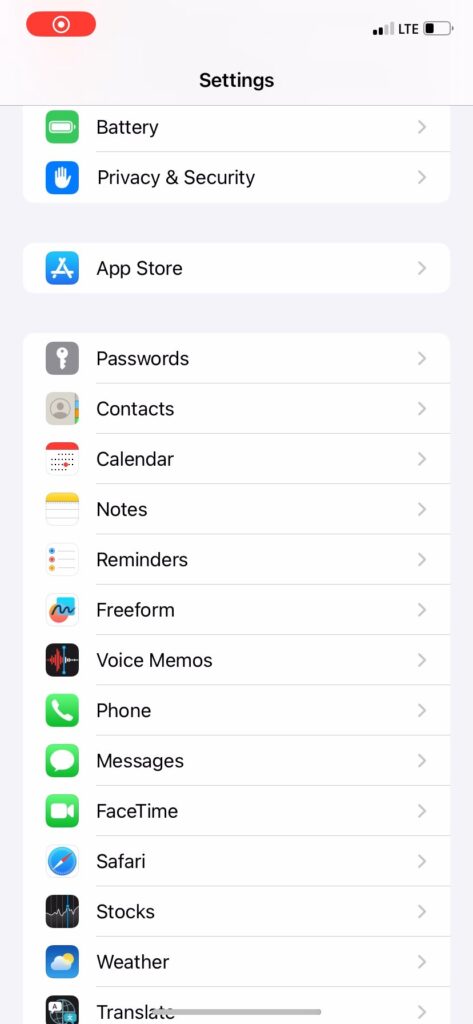
Go to Settings.
Click on Phone.
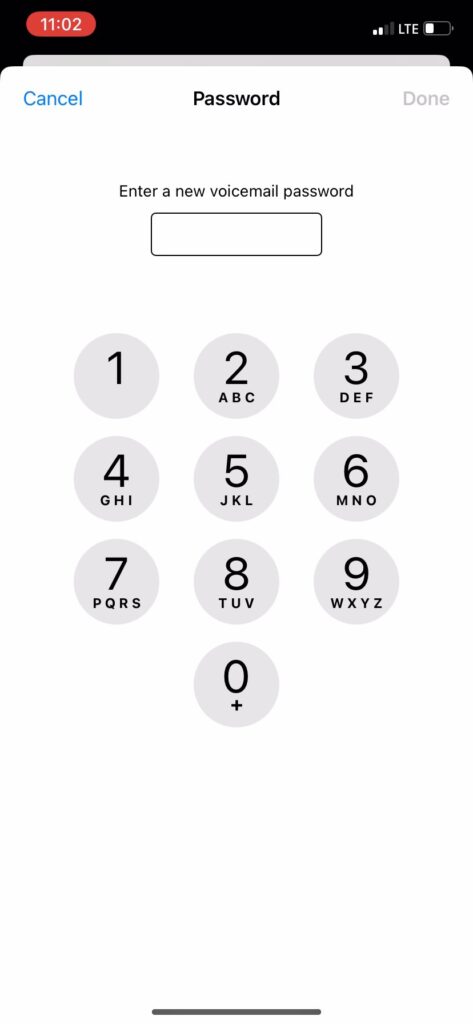
Click ‘Change Voicemail Password’.
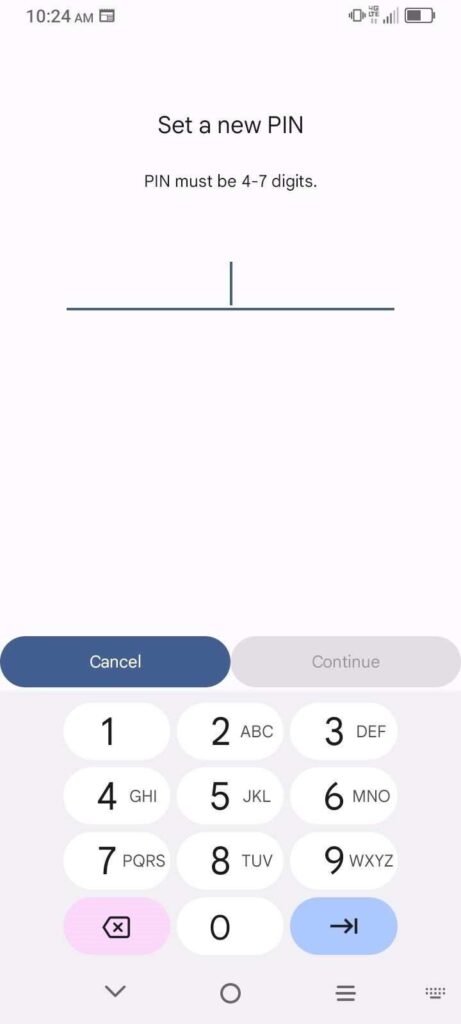
Enter a new 4–7-digit password/PIN.
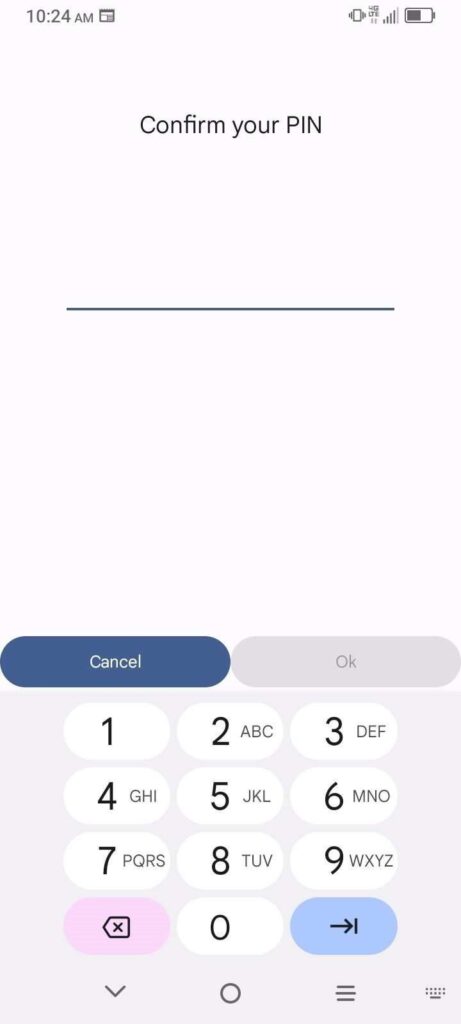
Re-enter the new password/PIN.
For Android devices:
Open the phone app.
Select the three dots in the right upper-hand corner.
Click Settings.
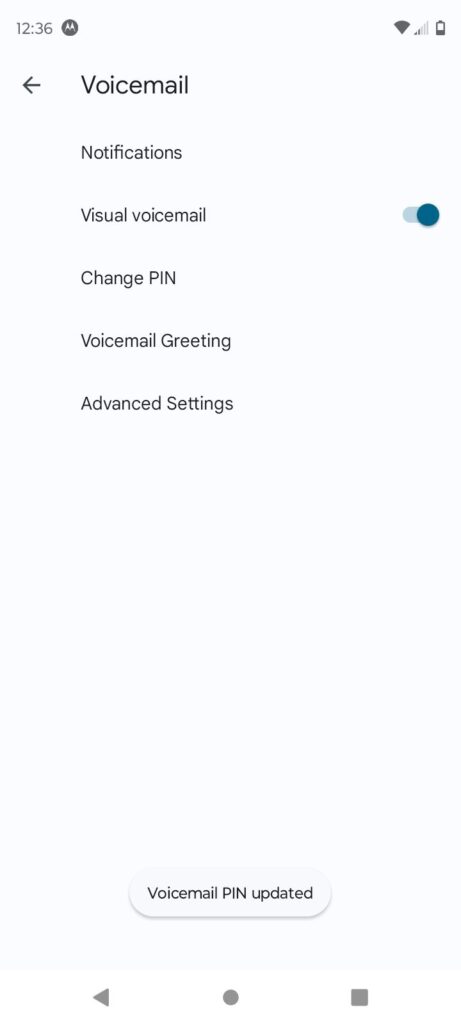
Select Voicemail.
Change PIN.
Confirm old voicemail password/PIN and confirm.
Enter a new 4–7-digit password/PIN.
Re-enter the new password/PIN and confirm.